> ## Documentation Index
> Fetch the complete documentation index at: https://docs.mythic-c2.net/llms.txt
> Use this file to discover all available pages before exploring further.
# MITRE ATT&CK
## What is it?
[MITRE ATT\&CK](https://attack.mitre.org/) is a knowledge base of adversary tactics and techniques mapped out to various threat groups. It provides a common language between red teams and blue teams when discussing operations, TTPs, and threat hunting. For Mythic, this provides a great way to track all of the capabilities the agents provide and to track all of the capabilities so far exercised in an operation.
For more information on MITRE ATT\&CK, check out the following:
* [https://attack.mitre.org](https://attack.mitre.org/)
* [https://twitter.com/mitreattack](https://twitter.com/mitreattack)
* [https://attackevals.mitre.org/](https://attackevals.mitre.org/)
## Where is it?
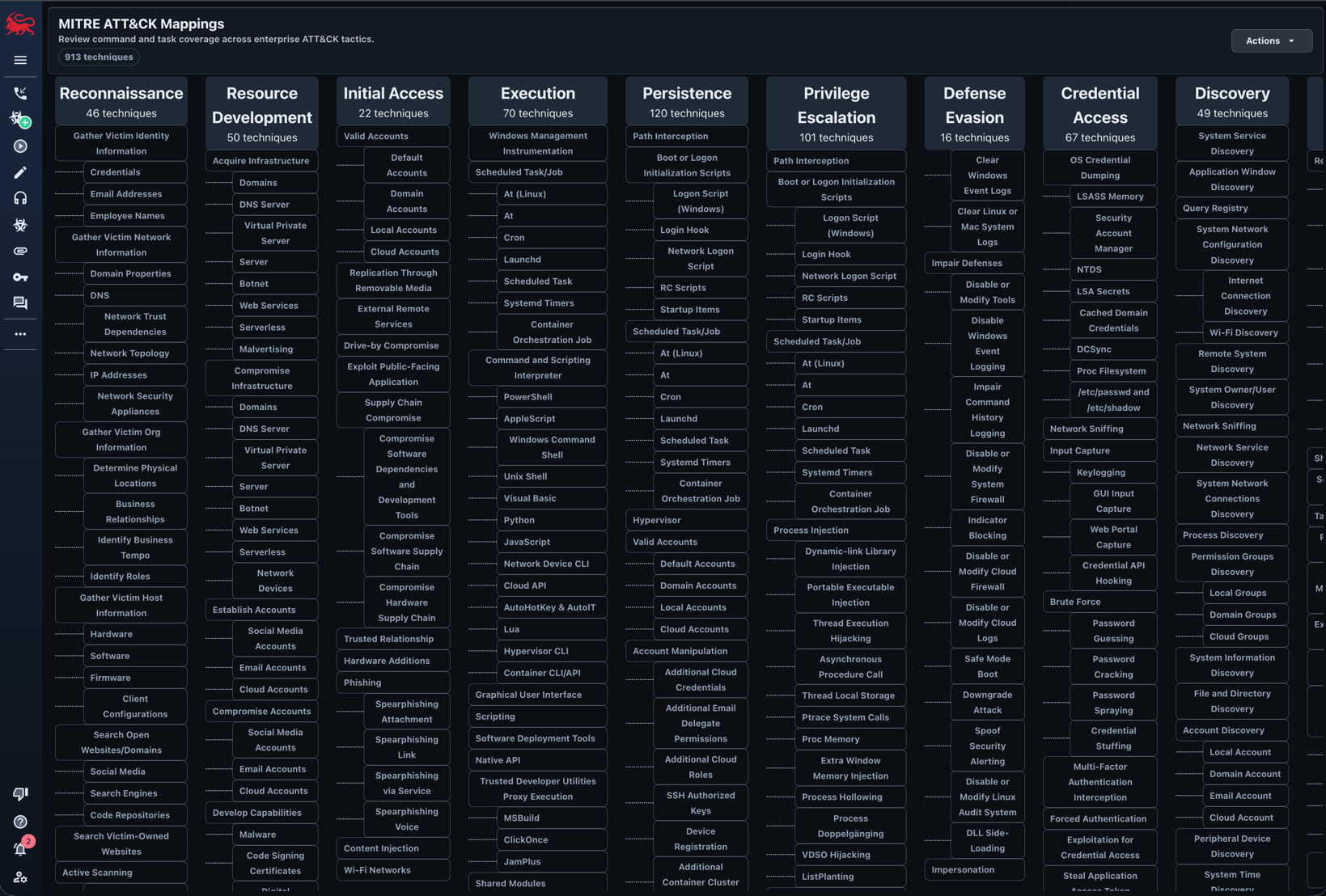
[MITRE ATT\&CK](https://attack.mitre.org/) integrations can be found by clicking the chart icon from the left navigation bar.
 ## How to use it?
There are a few different ways to leverage this information.
### Commands by ATT\&CK
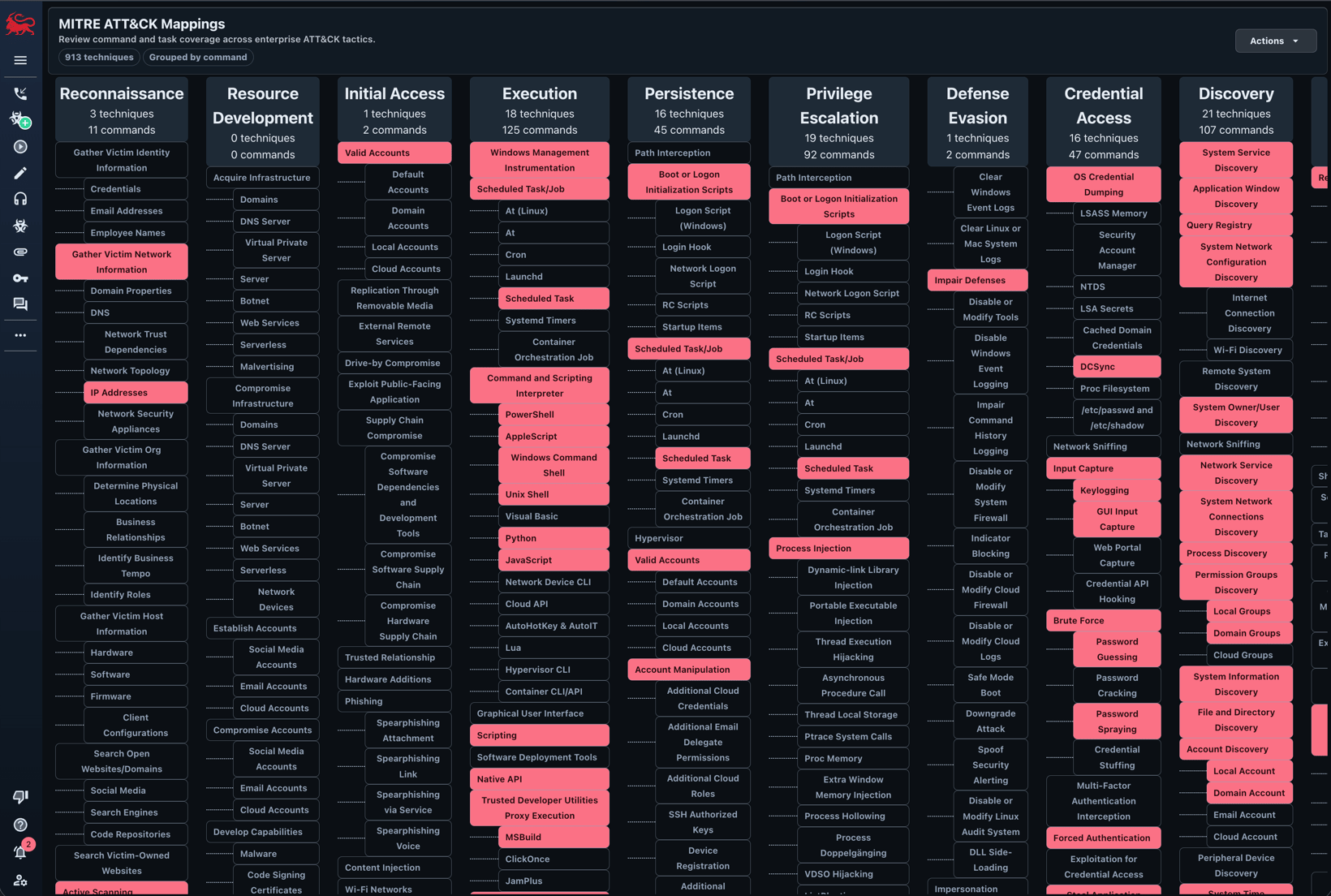
Clicking the "Fetch All Commands Mapped to MITRE" action will highlight all of the matrix cells that have a command registered to that ATT\&CK technique.
Clicking on a specific cell will bring up more specific information on which payload type and which command is mapped to that technique.
All of this information comes from the [MITRE ATT\&CK](/version-4.0/operational-pieces/understanding-commands/mitre-att-and-ck) portion of commands.
## How to use it?
There are a few different ways to leverage this information.
### Commands by ATT\&CK
Clicking the "Fetch All Commands Mapped to MITRE" action will highlight all of the matrix cells that have a command registered to that ATT\&CK technique.
Clicking on a specific cell will bring up more specific information on which payload type and which command is mapped to that technique.
All of this information comes from the [MITRE ATT\&CK](/version-4.0/operational-pieces/understanding-commands/mitre-att-and-ck) portion of commands.
 ### Tasks by ATT\&CK
This is a slightly different view.
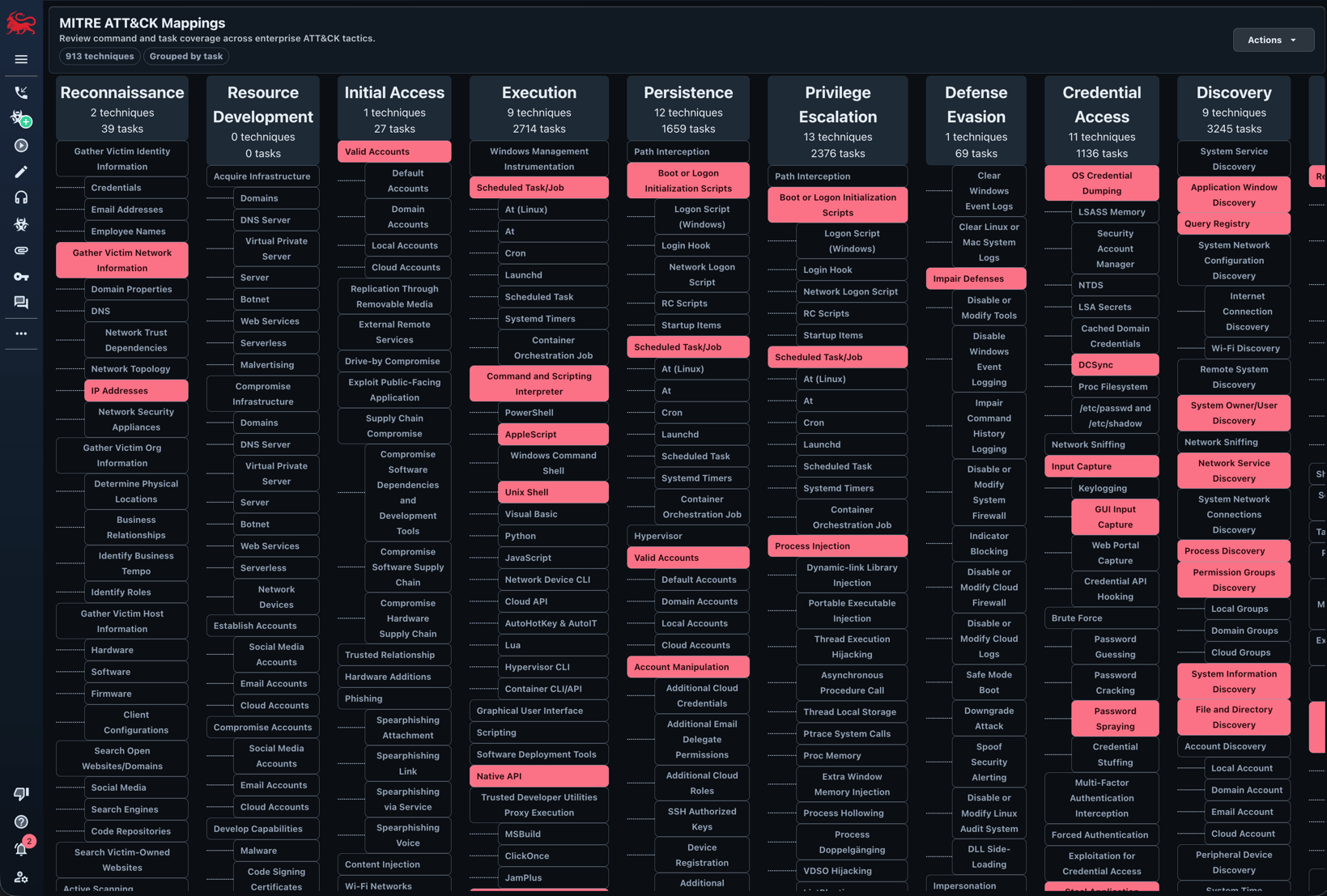
This button will highlight and show the cells that have been exercised in the current operation.
A cell will only be highlighted if a command was executed in the current operation with that ATT\&CK technique mapped to it.
### Tasks by ATT\&CK
This is a slightly different view.
This button will highlight and show the cells that have been exercised in the current operation.
A cell will only be highlighted if a command was executed in the current operation with that ATT\&CK technique mapped to it.
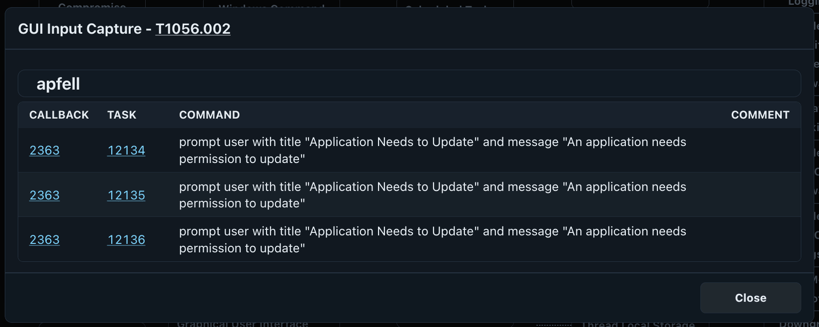
 The cell view will show the exact command that caused the cell to be highlighted with a link (via task number) back to the full display of the task: